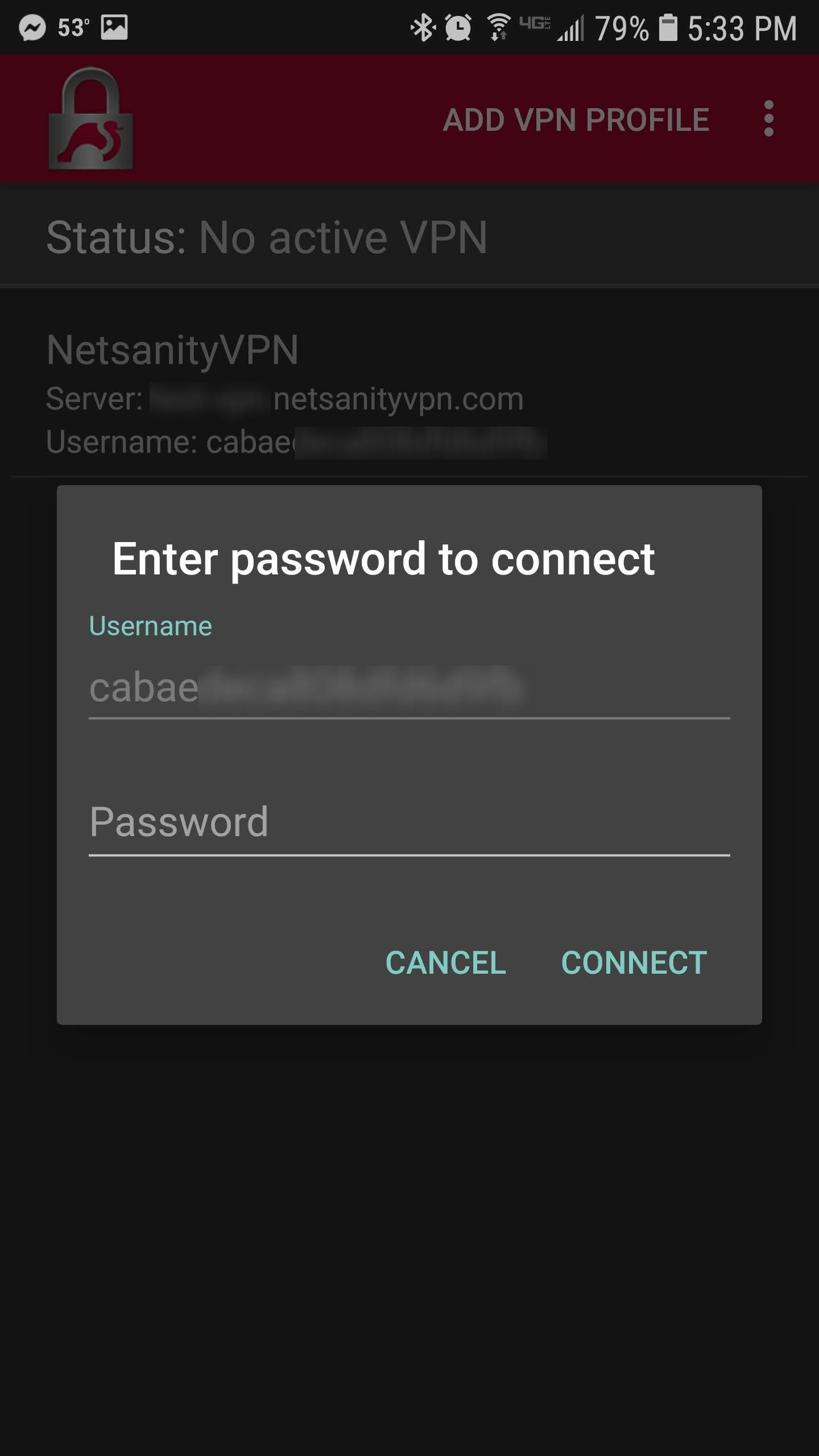
Step 1 - To Connect to the VPN - Open the Strongswan App and Simply Tap the Profile.
When Prompted for a Password - You May Leave it Blank.
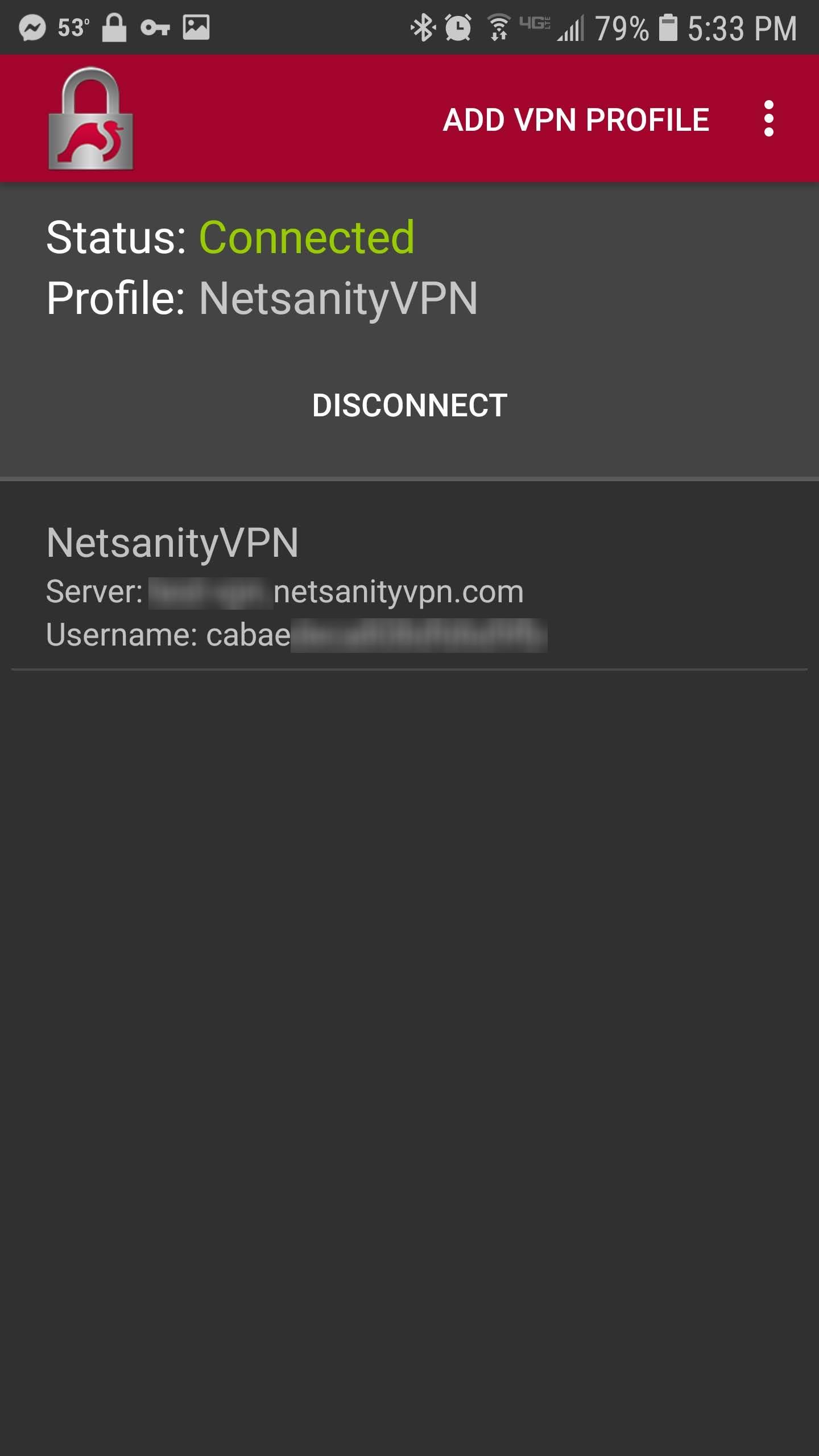
Step 2 - You Are Now Connected to NetsanityVPN!

Modified on: Tue, Jan 29, 2019 at 2:58 PM
Did you find it helpful? Yes No
Send feedback